


18 May 2026
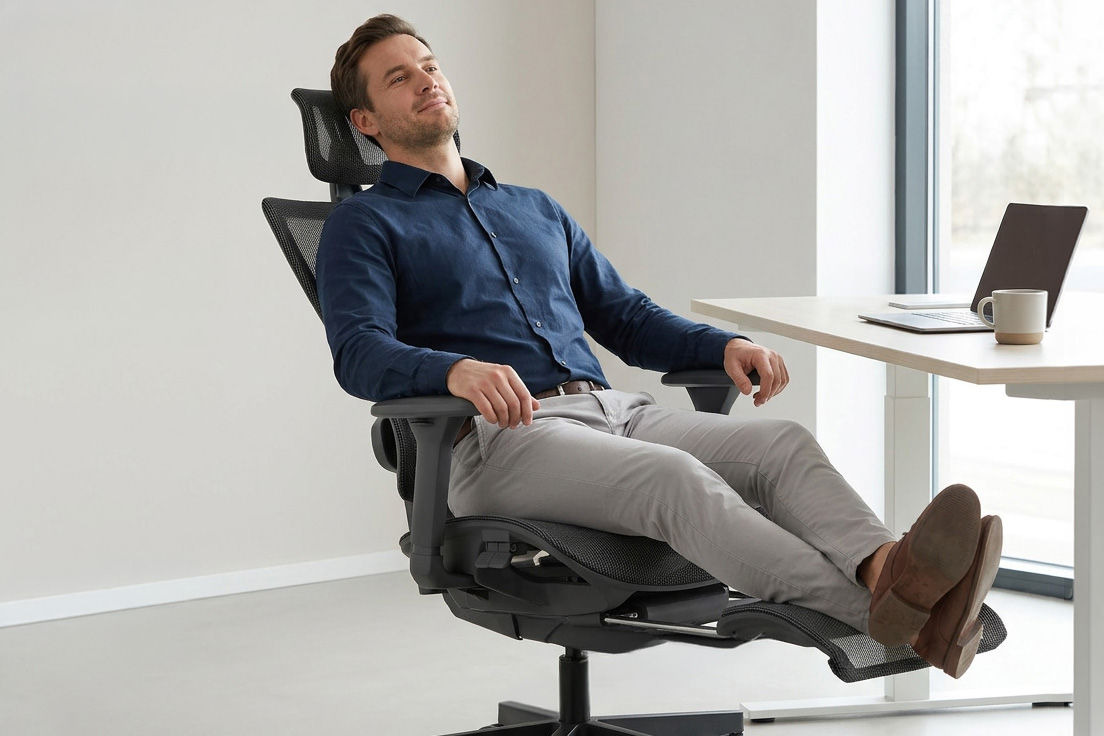
A Healthy Spine at Your Desk: 7 Signs That Your Office Chair Is Damaging Your Spine
30 April 2026
Modern office work forces us to spend many hours in a seated position, which places significant strain on the musculoskeletal system. While working at a desk, the spine must bear much greater pressure than when standing or walking. Unfortunately, we often ignore minor discomfort and treat it as normal fatigue. This approach leads to permanent degenerative changes that later require long-term rehabilitation.
Proper workstation setup is a key investment in our physical wellbeing and daily comfort. A professional office chair should support the body and help maintain correct posture throughout the entire working day. Choosing the right model helps avoid painful spinal conditions that can significantly affect everyday life. It is worth understanding which signals indicate that your current chair is harming your health.
Ignoring discomfort comes at a cost
Neglecting early pain symptoms can lead to serious health consequences. Migrating lower back pain, leg numbness or increasing shoulder tension are not just signs of fatigue, but clear warning signals that your chair is no longer fulfilling its role. Often only advanced musculoskeletal disorders force reflection on how to choose the right office chair and how professional workstation ergonomics should look. Delaying changes increases the risk of permanent posture defects that may require long and costly rehabilitation. Learn the 7 warning signs that are harmful not only to your spine but also contribute to worsening posture defects and chronic back pain.
1. Recurring lower back pain
Lack of lumbar support causes excessive pressure on the lower vertebrae...
2. Numb legs and pressure under the knees
A hard seat edge restricts blood circulation...
3. Constant shifting and discomfort
Frequent repositioning indicates improper weight distribution...
4. Neck and shoulder tension
Lack of head support forces neck muscles to overwork...
5. “Sinking” into the seat
Worn foam leads to pelvic misalignment...
6. Lack of arm support
Non-adjustable armrests increase shoulder strain...
7. Static overload and lack of movement
A rigid chair limits movement and increases fatigue...
Ergonomic ranking – top chairs for your desk
Choosing a professional chair is the best way to eliminate pain and improve work quality.
Unique Wau and Wau 2
These models represent high-end ergonomic design...
Unique Tune
Features automatic weight-adjusted synchronization mechanism...
Unique Chester
Professional ergonomic chair with advanced adjustments...
Unique Adapta SK-6255H
Combines modern design with ergonomic engineering...
Investing in health means higher efficiency
Ignoring warning signals leads to rehabilitation and specialist exercises...
FAQ – how to choose a chair to reduce back pain
How to choose a chair for computer work?
Check lumbar adjustment range...
Why does an ergonomic chair prevent back pain?
It enforces correct posture...
Is a mesh chair worth it?
It provides ventilation and durability...
How does lumbar adjustment work?
It supports the lower spine...
When should you replace your chair?
When discomfort appears...
What supports the spine?
Regular movement and stretching...